Updates that never break your site.
We keep WordPress and everything that comes with it up to date, after trying every update on every kind of site. You never press Update, and you can always go back.
Updates are where websites break.
- the problem
One update takes the site down
You press Update, the page goes white, and you hear about it from a customer.
how AnyPress fixes itTried before it touches you
Every update runs on a test copy of every kind of site first. If anything errors, it never reaches yours.
- the problem
Updating site after site
Forty client sites means forty logins and forty Update buttons, every week.
how AnyPress fixes itDone for every site at once
WordPress, the theme and the plugins every site comes with are updated for you, everywhere.
- the problem
No way back
A change goes wrong and the only fix is a late night putting it back by hand.
how AnyPress fixes itGo back in a click
The version a site was on is kept. Move it back, and it's as it was.
Every update is tried before it reaches you.
Nobody presses Update on a live site. Here's the path every update takes first.
- 1. We spot a new releaseEvery hour we look for new versions of WordPress, our theme, our blocks and the plugins every site comes with.
- 2. We try it on every kind of siteA test copy of each kind of site is built with the update. Every admin screen and the home page must load without an error.
- 3. We test it like a real siteThe test copy is set up the way a new site is, and every page must open before the update goes anywhere.
- 4. Sites move overOnly then does it reach your sites. A site that doesn't move cleanly is put back where it was.
- 5. The old version staysThe version sites were on is kept, so we can always go back.
Change all your clients' sites at once, without breaking one.
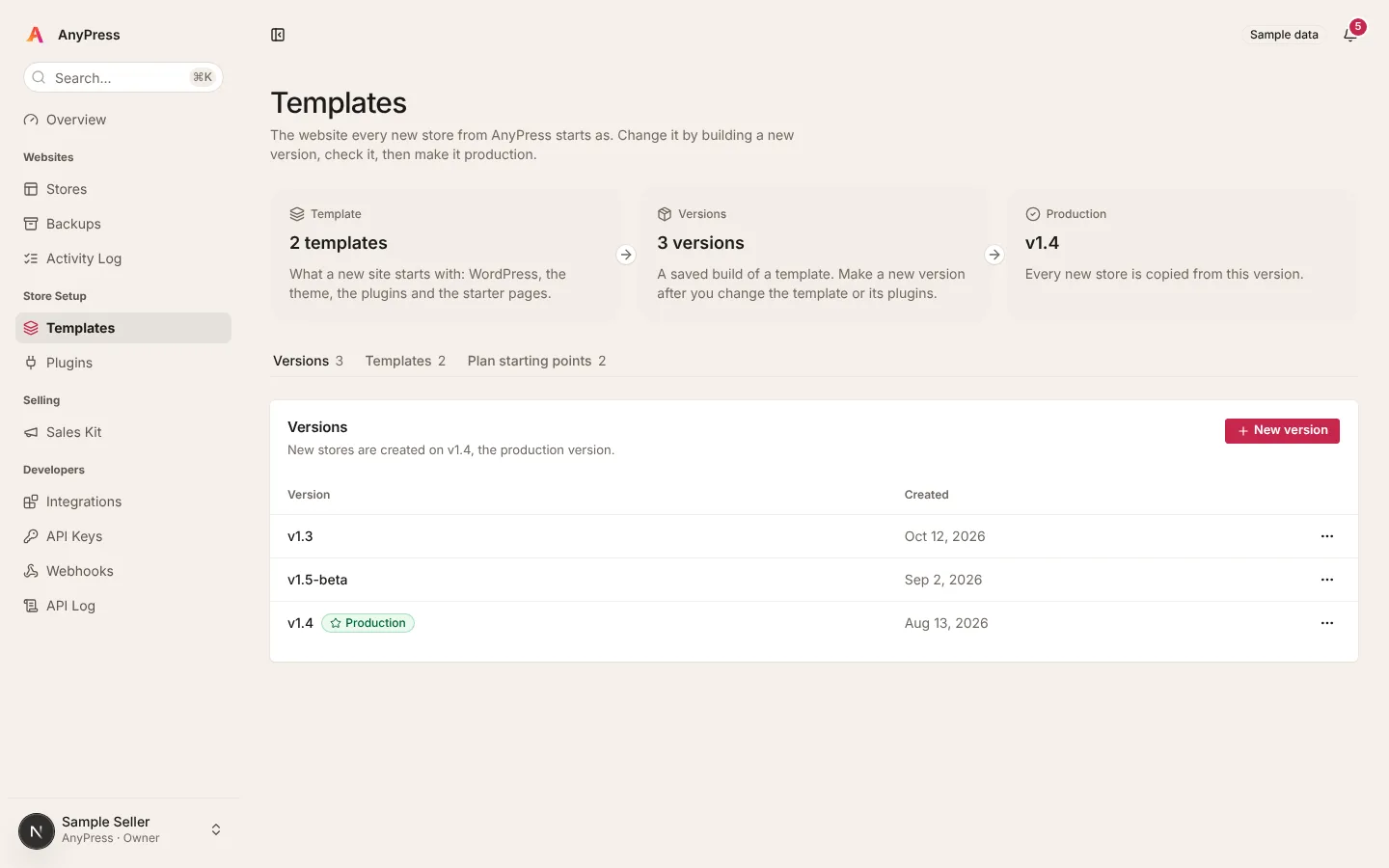
Your starting site is the one every order is copied from. Change a copy of it, try it, then move sites over when you're ready.
for exampleYou want every client to get a booking page. You have 24 clients on version v1.4 of your starting site.
- 1. Make a new versionv1.5 · a copy of v1.4
One click copies your starting site. Every client's site stays on v1.4 and doesn't notice a thing.
- 2. Add the booking pagev1.5 · booking page added
Add the plugin, build the page, change the menu. Only in v1.5.
- 3. Try it yourselfv1.5 · opened and checked
Open v1.5 like a real site. Book a test appointment.
- 4. Move sites overNew orders get v1.5
Move one client first, then the rest when you're happy. Their pages, orders and photos come with them.
- 5. Go back if you need to1 site back on v1.4
A client who doesn't want it? Move their site back. v1.4 stays in your list.
Questions about updates
Do I have to update anything?
Will an update change my pages or orders?
How fast do security fixes arrive?
What if an update breaks something?
Can I stop my clients' sites from getting a change of mine?
Can I turn on automatic plugin updates in WordPress?
Ready when you are.
Pick what you're building. It's ready to use the same day, and we look after it from there.