Sixteen looks, one click to switch.
Every site comes with ready-made looks for different kinds of business. Pick the one that fits, change the colours if you like, and your whole site follows.
Made for your kind of business.
Each kit has its own colours, fonts, page layouts and sections. These are the home pages from each kit's example site.
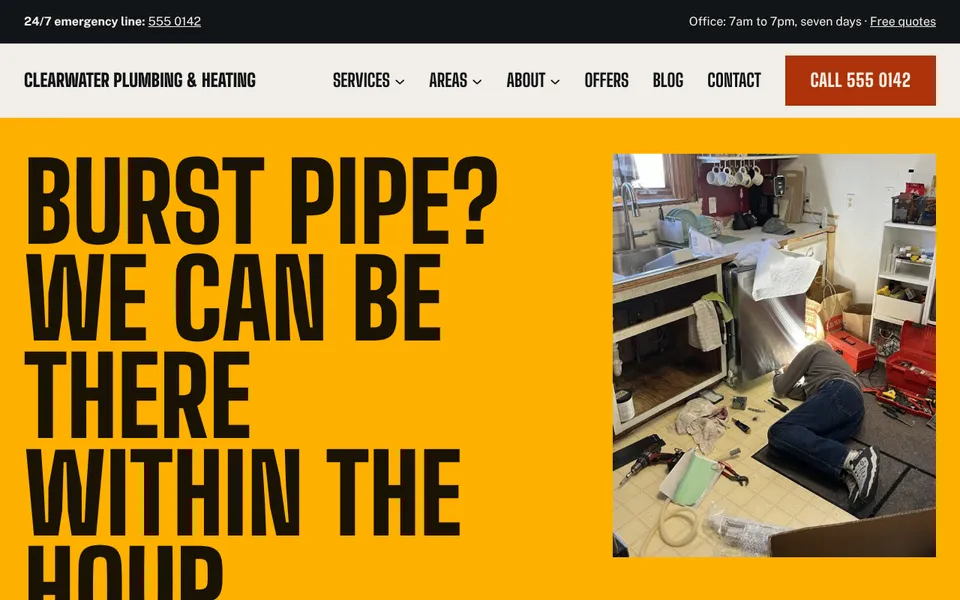
Ridge
Home services and trades
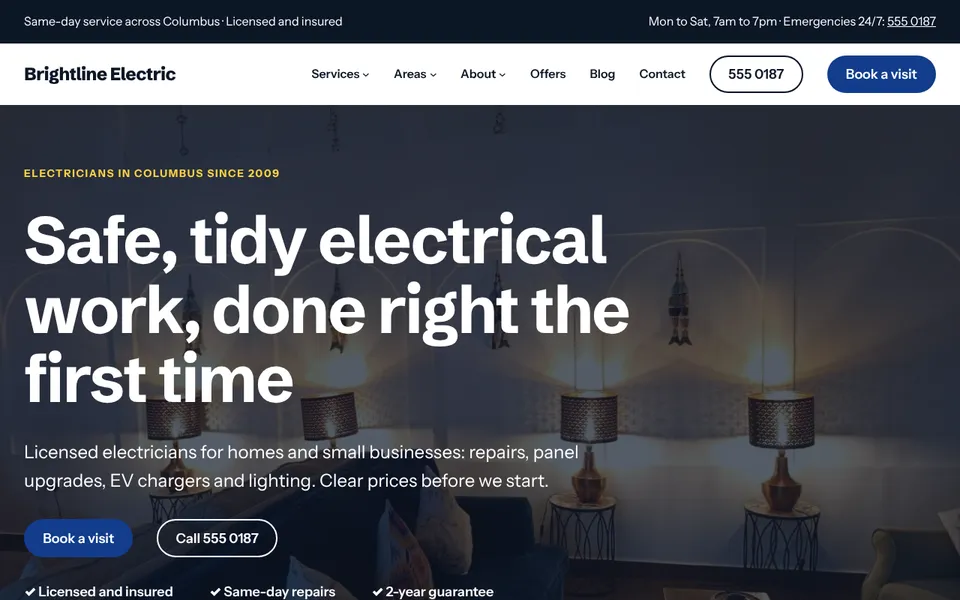
Circuit
Electricians and repair shops
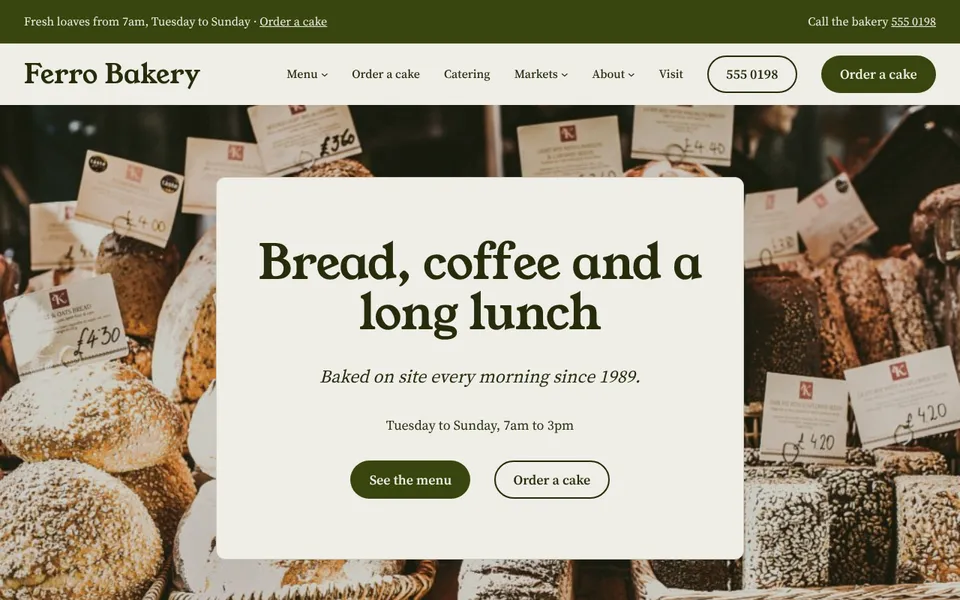
Hearth
Food and drink
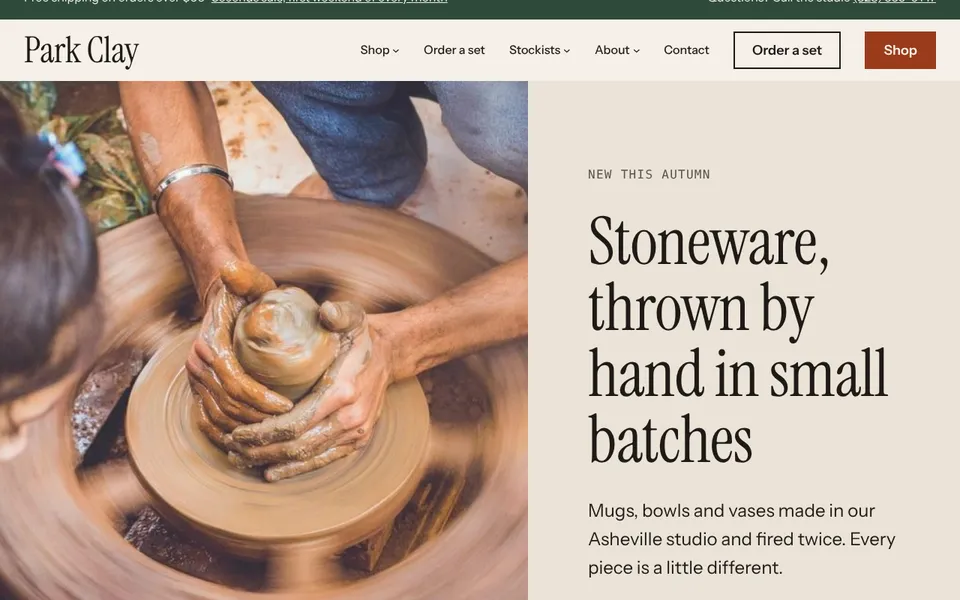
Parcel
Online shops
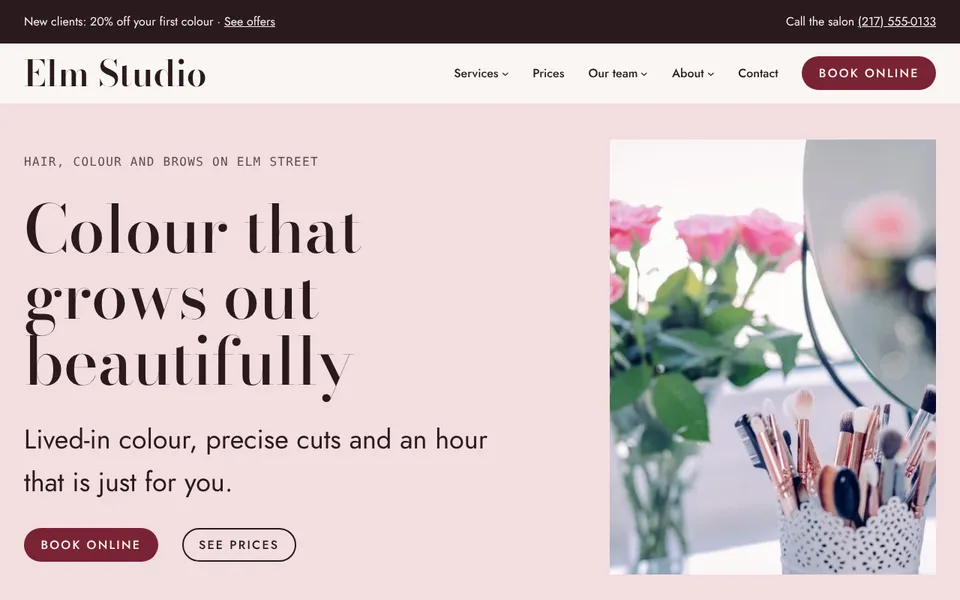
Gloss
Salons and beauty
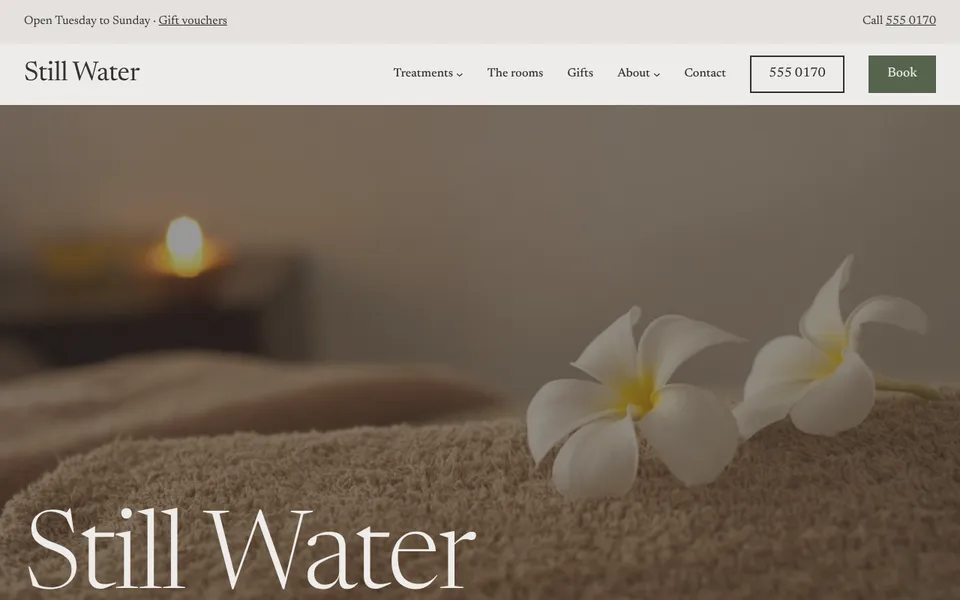
Still
Wellness
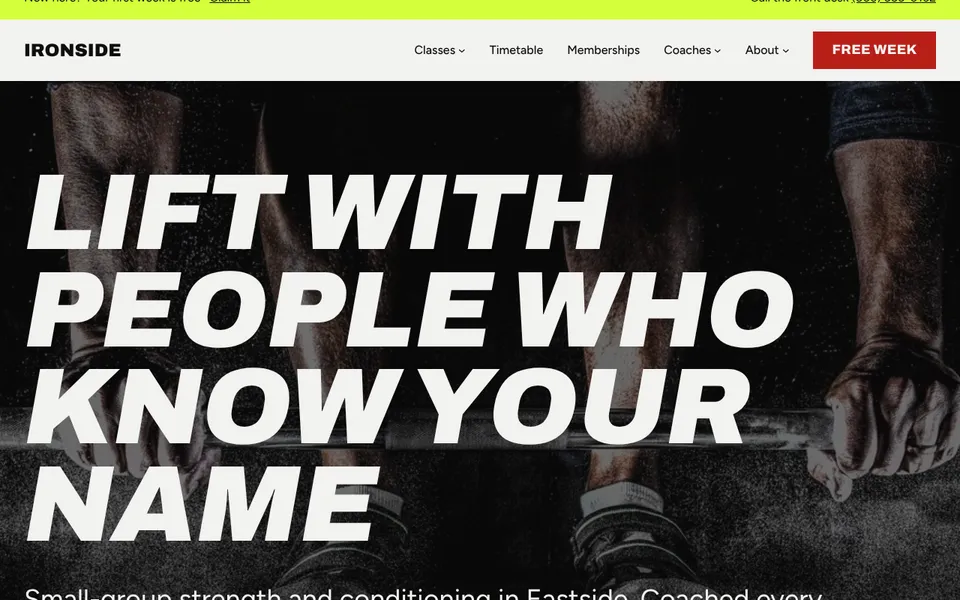
Rep
Gyms and classes
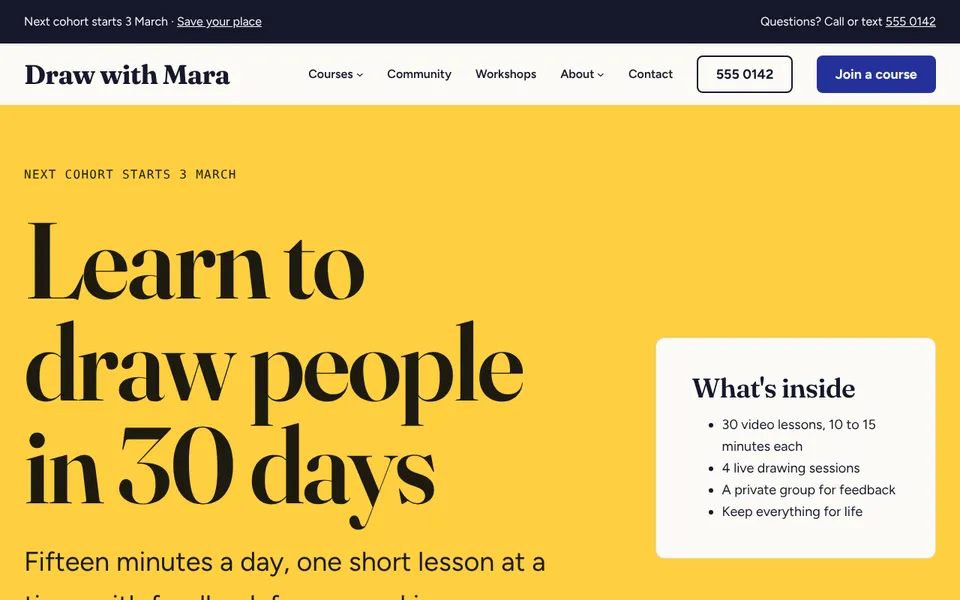
Chapter
Courses and communities
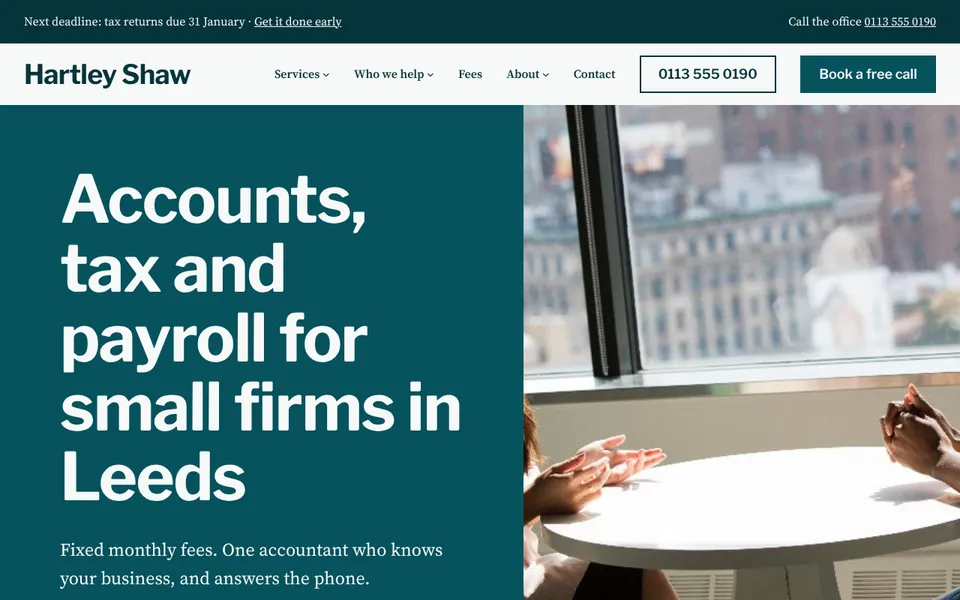
Ledger
Professional services
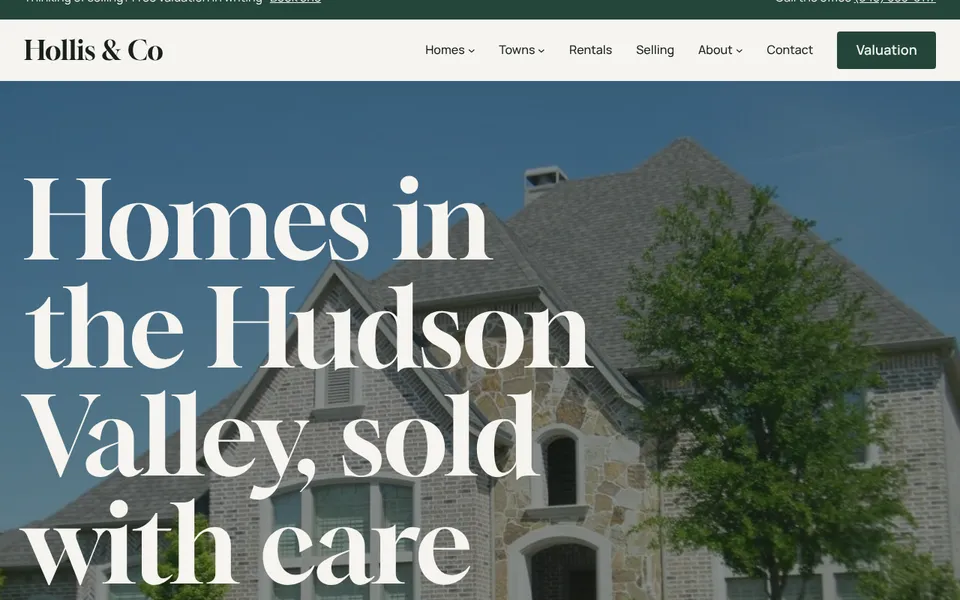
Keystone
Real estate
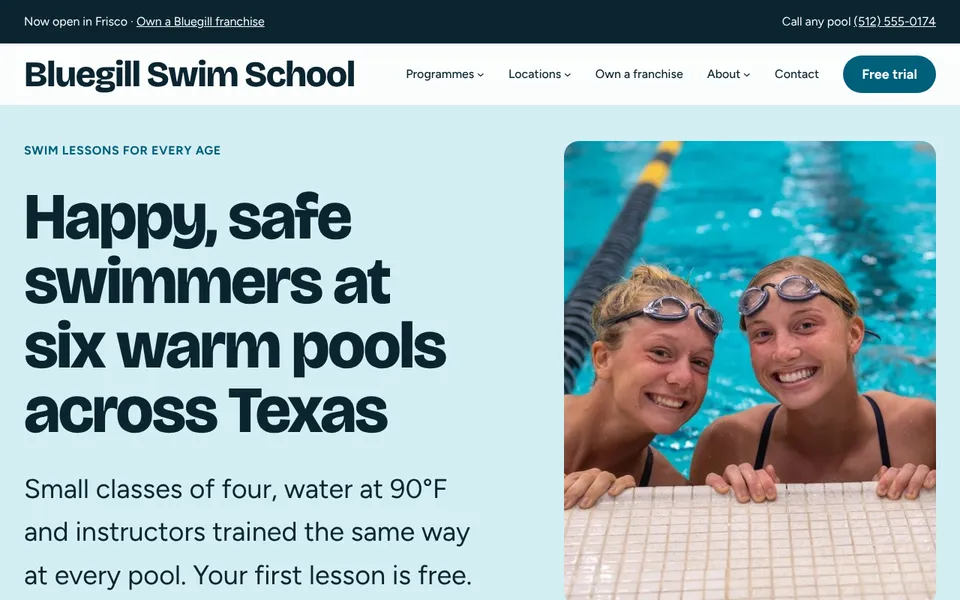
Branch
Franchises and chains
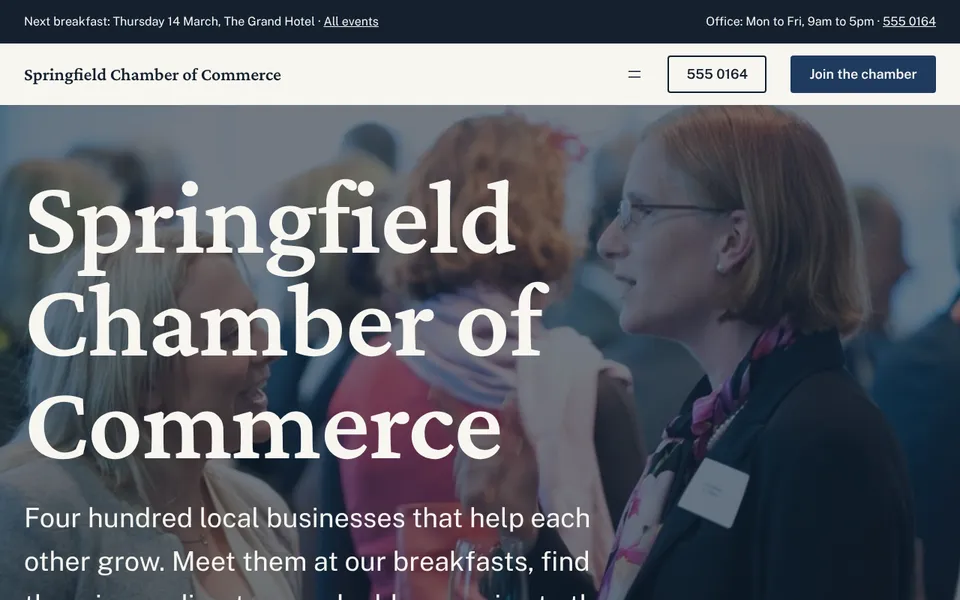
Commons
Associations, chambers and churches
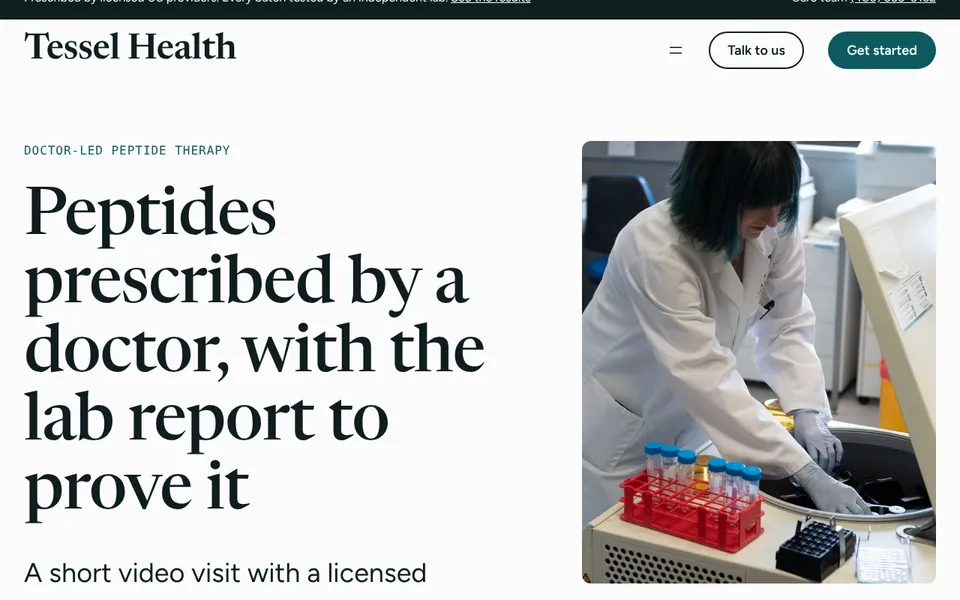
Assay
Regulated health products
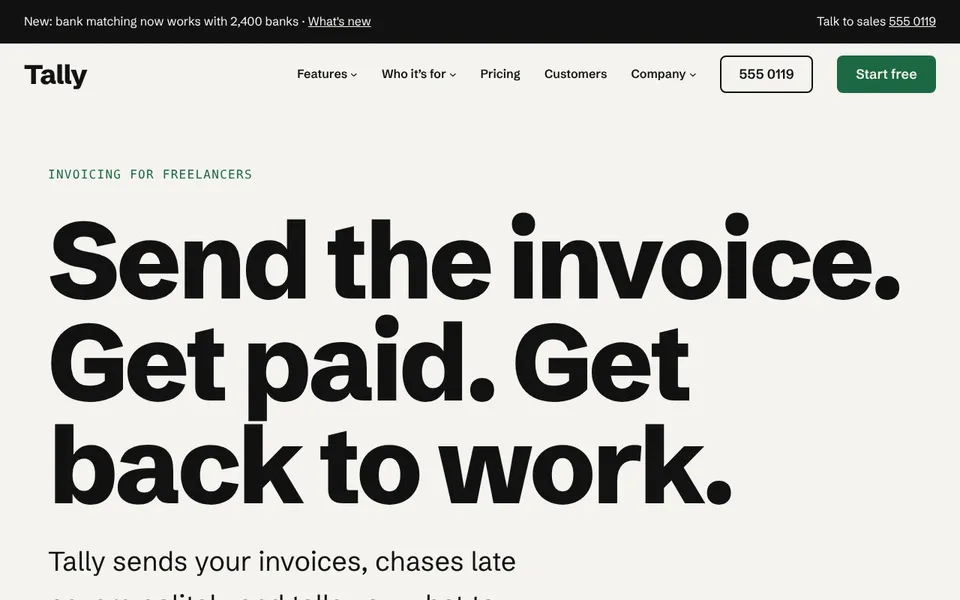
Launch
Startups and software
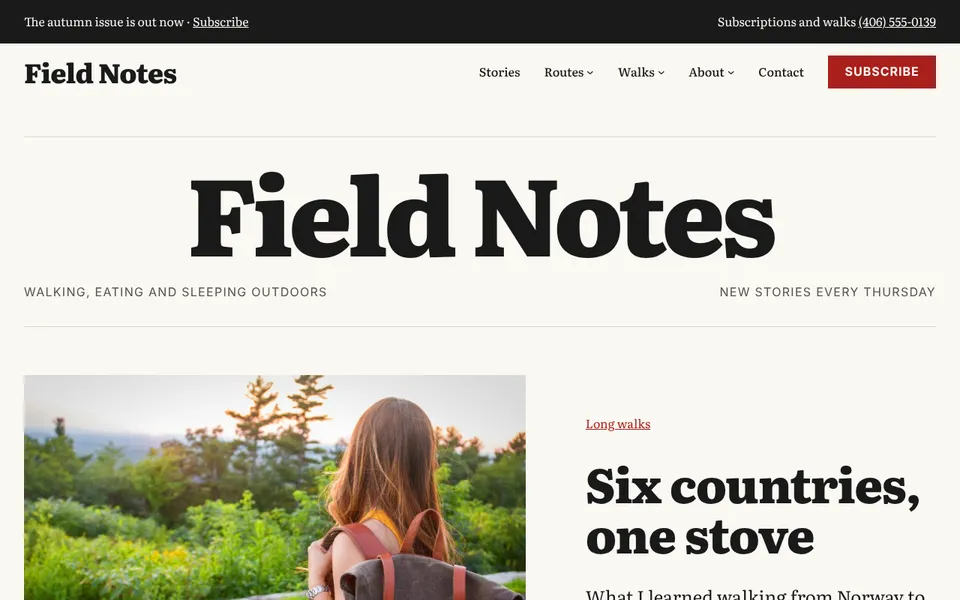
Byline
Blogs and magazines
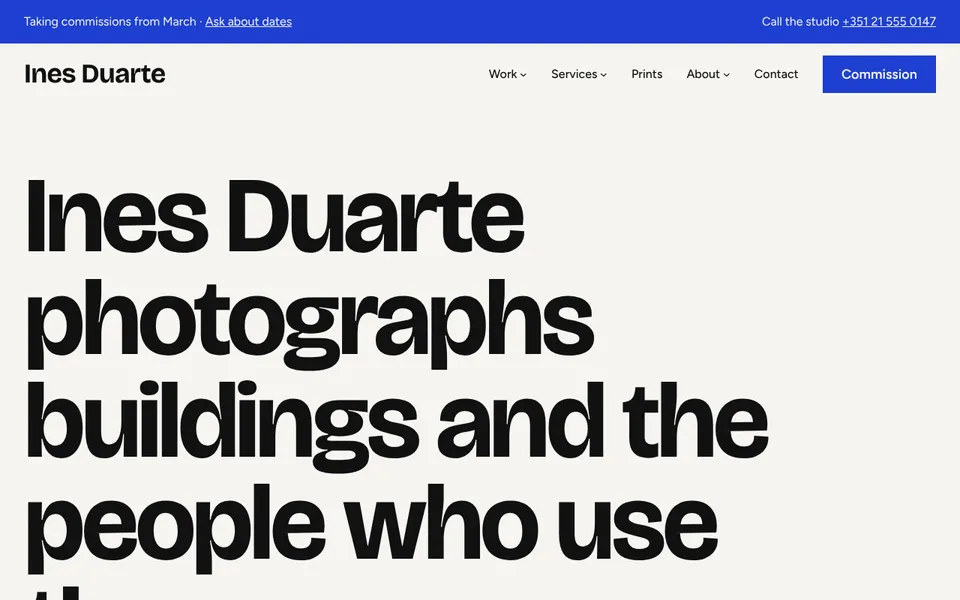
Frame
Creative portfolios
Try a new look without starting over.
1. Pick a look
Open your site's design screen and click a kit. Colours, fonts and spacing change across every page at once.
2. Or ask your AI app
Connect AnyPress to your AI app and ask to see the designs. Each kit shows as a live preview of your own site, right in the chat, with a button to switch it on.
3. Change your mind
Your old look is saved when you switch, so you can go straight back. Your words, photos and pages stay as they are.
Pieces that do something.
Add them to any page. They match your look, work on phones, and only load on the pages that use them.
Popup
A box over the page after a few seconds, on scroll or when someone is about to leave. Good for a signup or an offer.
Carousel
Slides that scroll sideways with arrows and dots, for reviews, projects, team members or photos.
Before and after
Two photos of the same job with a handle to drag between them: a kitchen, a lawn, a haircut, a roof.
Countdown
Days, hours and minutes left until an offer ends or an event starts.
Counter
A big number that counts up as it comes into view, such as years in business or jobs done.
Star rating
Your rating, how many reviews and where they're from, for example 4.9 out of 5 on Google.
Map
Your address on a map with a pin and a link for directions.
Location finder
All your branches next to a map. Visitors search by town or tap “Near me” to find the closest.
Notice bar
One short line across the top, such as holiday hours or free delivery. Visitors can close it.
Call and book bar
A bar along the bottom of phones with Call and Book buttons, so the main action is one tap away.
Age check
Asks visitors to confirm their age before they see the site, for shops selling age-restricted goods.
And the usual pieces
Headings, text, photos, buttons, columns, galleries and videos, all set up to follow your look.
Good to know.
Do I have to use a kit?
Can I change the colours and fonts myself?
Will switching break my pages?
Do the extras cost more?
Can I use the designs on another WordPress site?
Ready when you are.
Pick what you're building. It's ready to use the same day, and we look after it from there.