Pieces that do something.
Popups, sliders, countdowns, maps and more, ready to drop into any page of your site. Try each one live before you use it.
On every site, ready to use.
Each picture is the block working on an example page. Try it live to open that page in your browser.
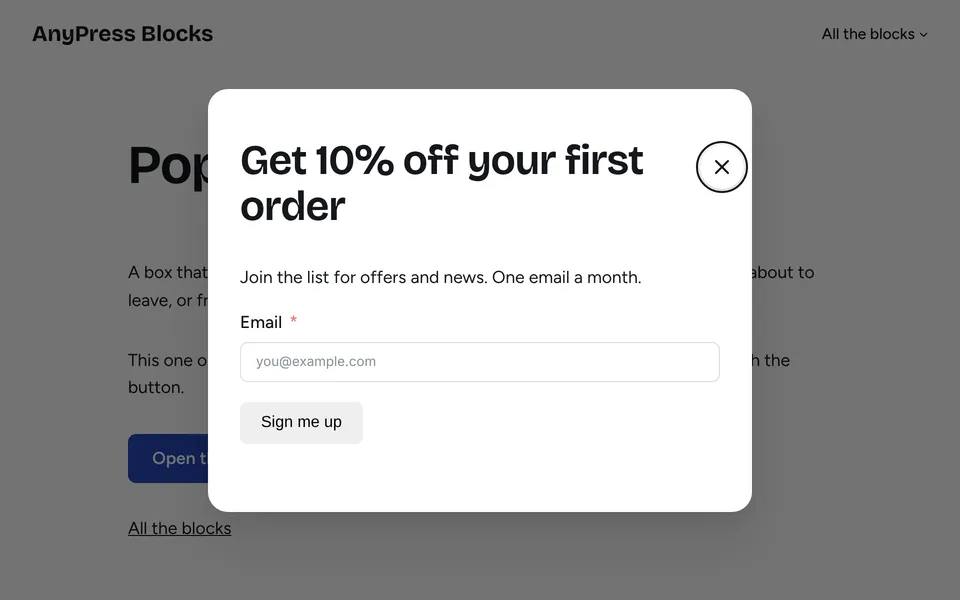
Popup
A box over the page after a few seconds, on scroll or when someone is about to leave. Good for a signup or an offer.
Try the popup live (opens in a new tab)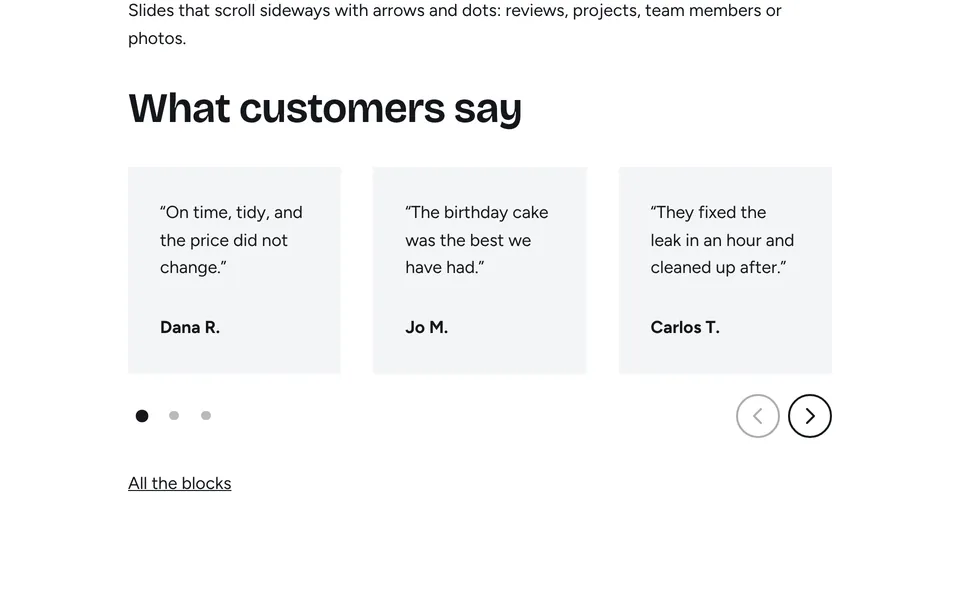
Carousel
Slides that scroll sideways with arrows and dots, for reviews, projects, team members or photos.
Try the carousel live (opens in a new tab)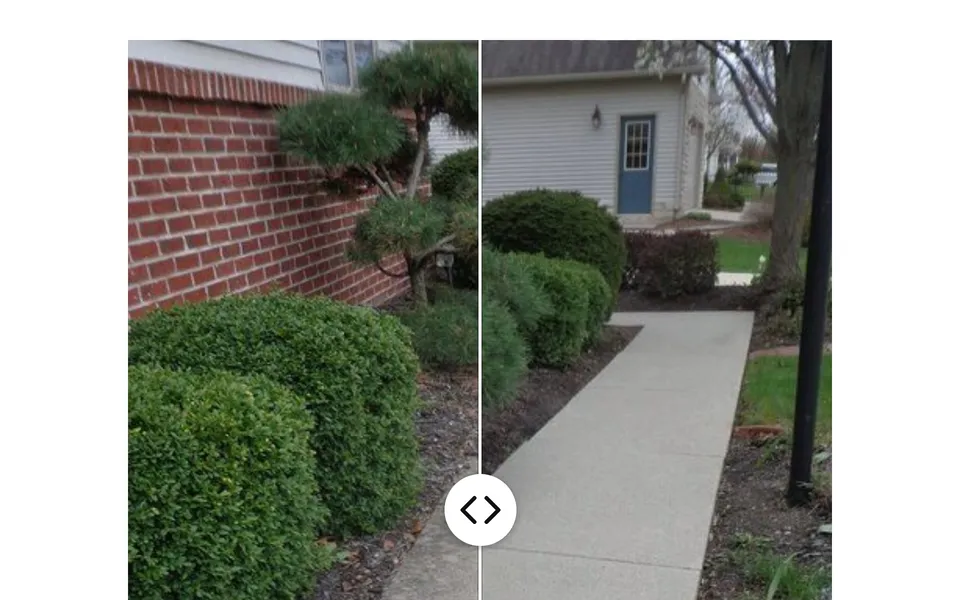
Before and after
Two photos of the same job with a handle to drag between them: a kitchen, a lawn, a haircut, a roof.
Try the before and after live (opens in a new tab)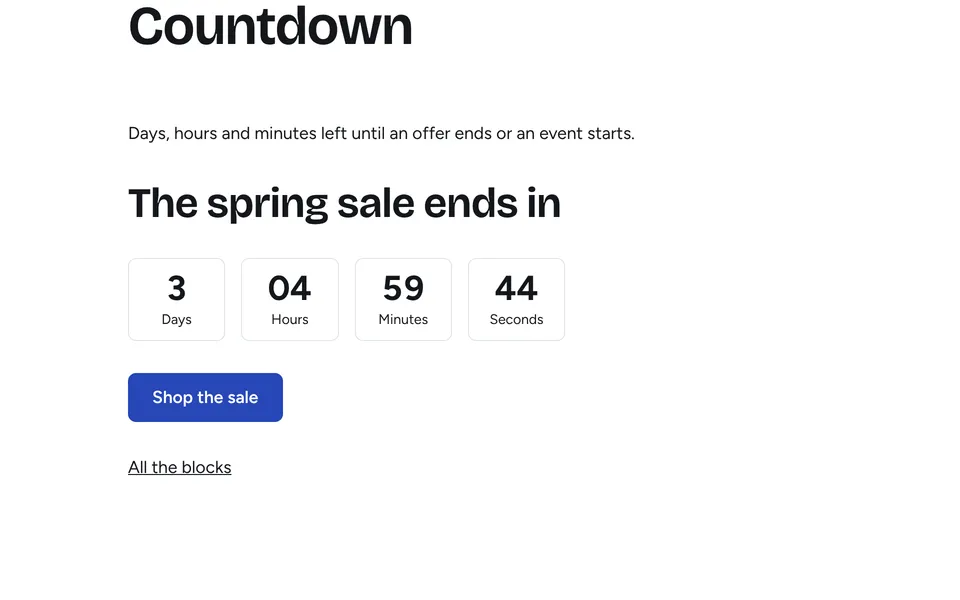
Countdown
Days, hours and minutes left until an offer ends or an event starts.
Try the countdown live (opens in a new tab)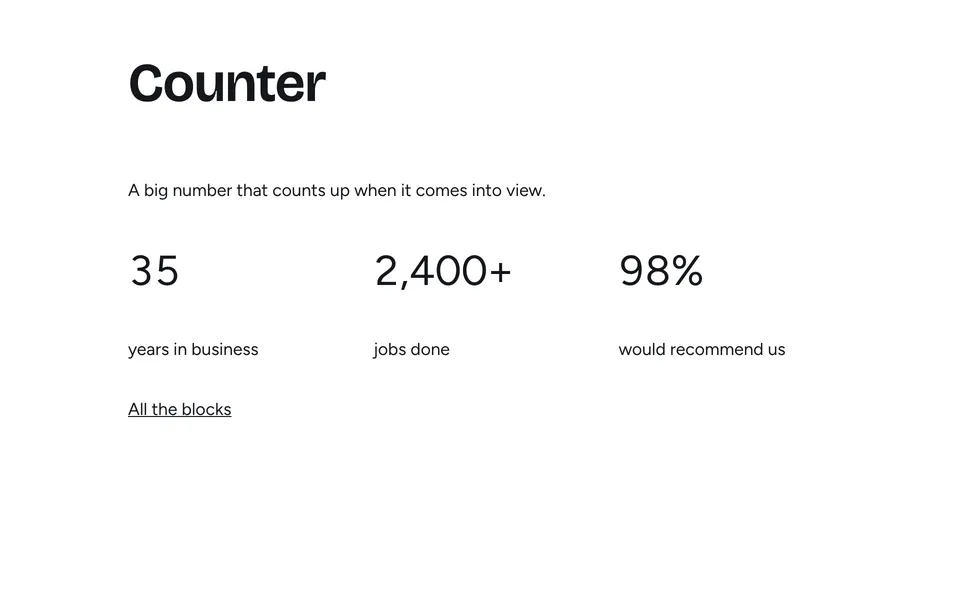
Counter
A big number that counts up as it comes into view, such as years in business or jobs done.
Try the counter live (opens in a new tab)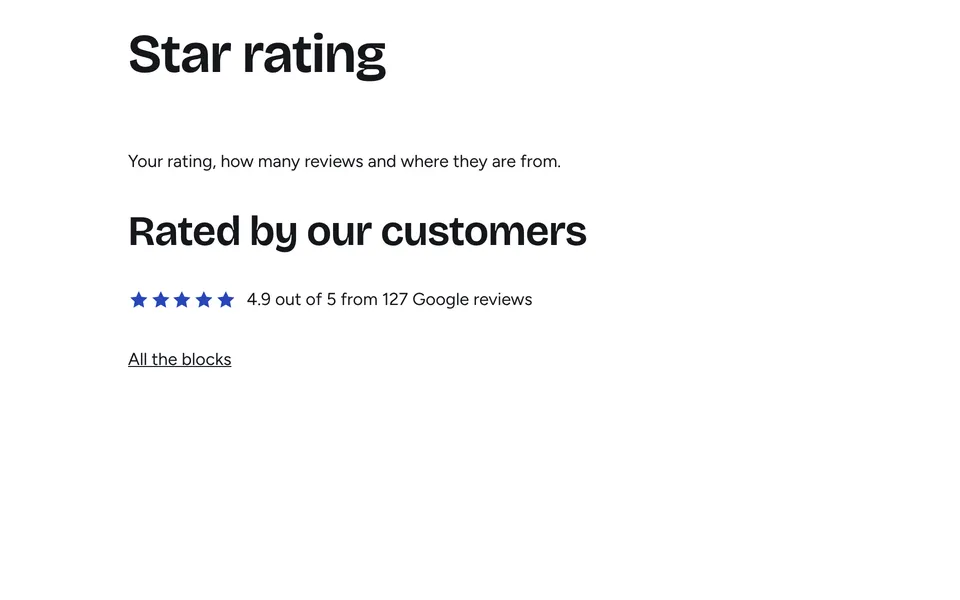
Star rating
Your rating, how many reviews and where they're from, for example 4.9 out of 5 on Google.
Try the star rating live (opens in a new tab)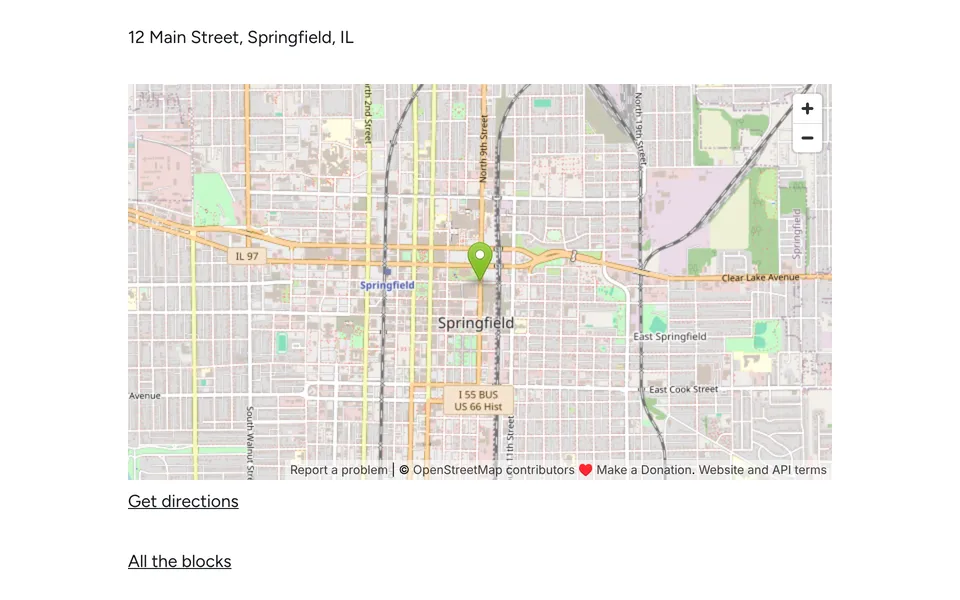
Map
Your address on a map with a pin and a link for directions.
Try the map live (opens in a new tab)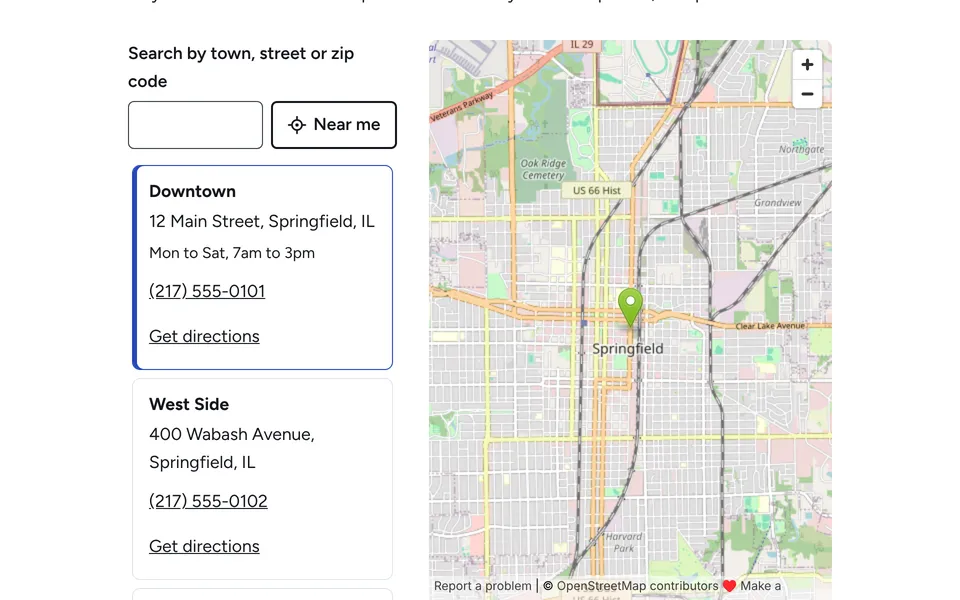
Location finder
All your branches next to a map. Visitors search by town or tap “Near me” to find the closest.
Try the location finder live (opens in a new tab)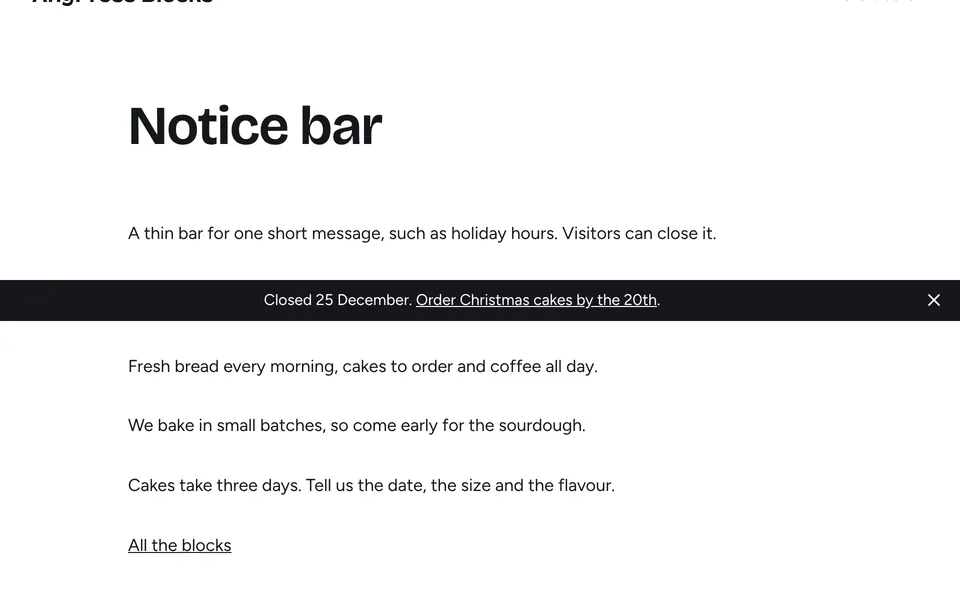
Notice bar
One short line across the page, such as holiday hours or free delivery. Visitors can close it.
Try the notice bar live (opens in a new tab)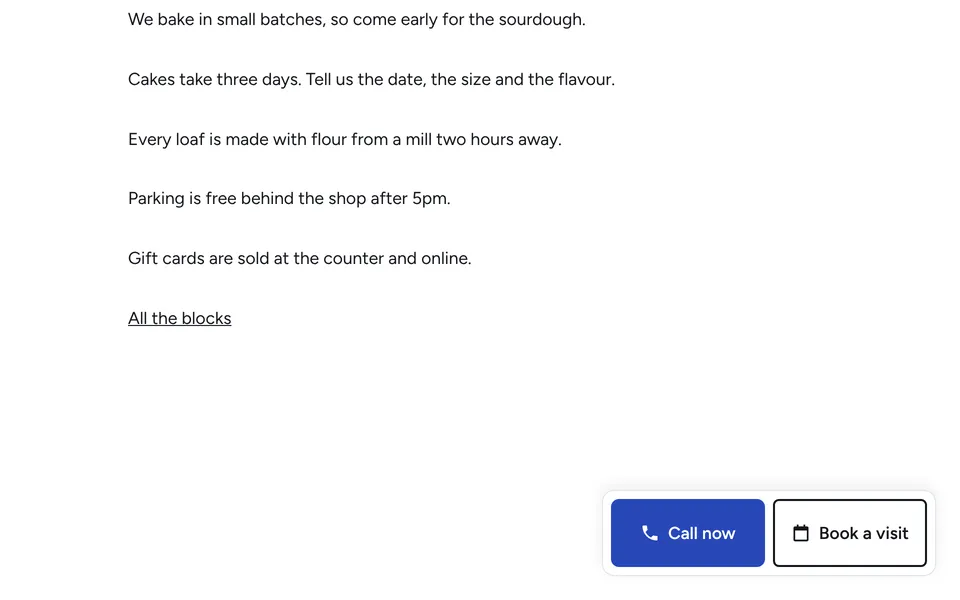
Call and book bar
A bar along the bottom of the screen with Call and Book buttons, so the main action is one tap away.
Try the call and book bar live (opens in a new tab)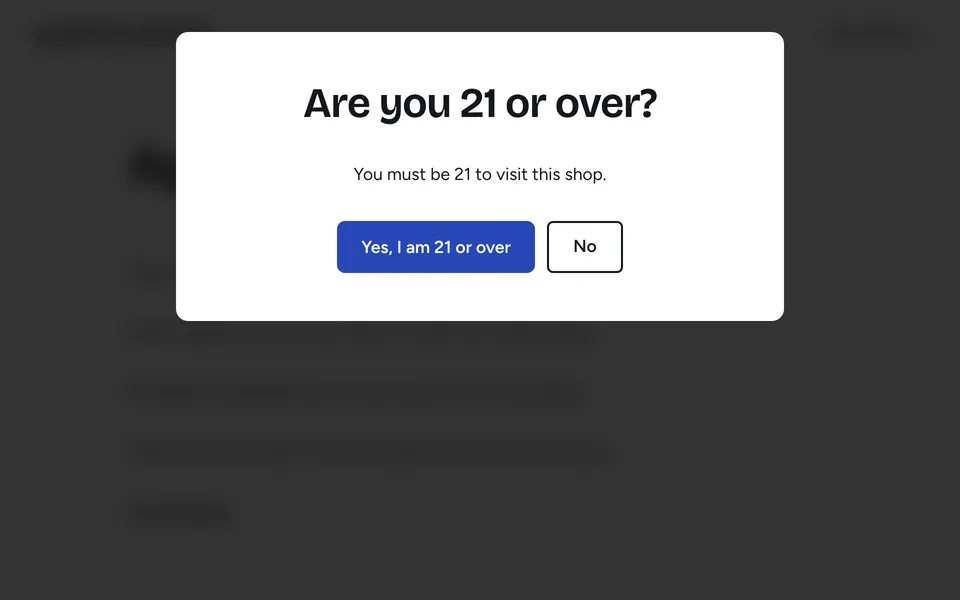
Age check
Asks visitors to confirm their age before they see the site, for shops selling age-restricted goods.
Try the age check live (opens in a new tab)Missing one?
Tell us what your site needs.
Ask for a block
Made for real visitors.
They match your look
Every block uses your site's colours, fonts and spacing, so it changes with your kit.
They keep pages quick
A block's code only loads on the pages that use it. Pages without one carry nothing extra.
They work for everyone
They work on phones and with a keyboard, and stay still for visitors who turn motion off.
Good to know.
How do I add one?
Do they cost more?
What happens when I click Try it live?
Can I use them on another WordPress site?
Ready when you are.
Pick what you're building. It's ready to use the same day, and we look after it from there.